
In today’s digital age, our lives are increasingly intertwined with technology. We capture precious moments with our smartphones, store important documents on our computers, and rely on digital devices for work and entertainment. However, this reliance on digital technology also exposes us to the risk of data loss. Accidents, hardware failures, cyberattacks, and natural disasters can all lead to the loss of irreplaceable memories and critical documents.
To safeguard your digital legacy, it’s essential to have a robust backup strategy. One effective way to protect your family photos and important documents is by using Backup CDs.
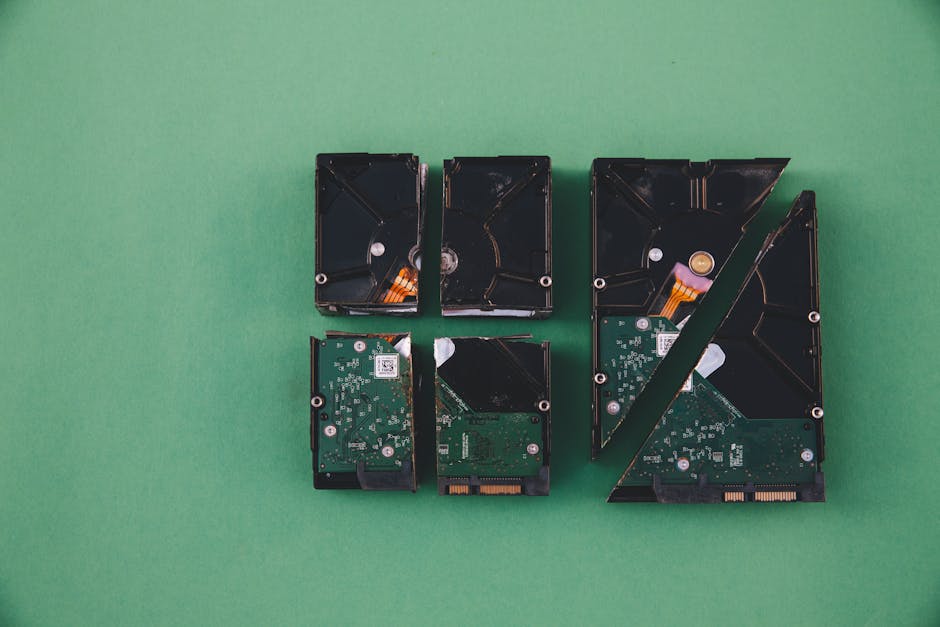
The Sentimental Value of Family Photos and Documents
Family photos and documents hold immense sentimental value. They capture cherished memories, trace our family history, and provide a connection to loved ones who have passed away. Losing these precious items can be a devastating experience.
The Risks of Data Loss
Data loss can occur in various ways:
Natural Disasters: Fires, floods, and other natural disasters can damage or destroy your devices and data.
Hardware Failure: Hard drives, SSDs, and other storage devices can fail, leading to data loss.
Accidental Deletion: Mistakes happen, and accidentally deleting important files is a common cause of data loss.
Cyberattacks: Malicious actors can exploit vulnerabilities in your systems to steal or destroy your data.
The Role of Backup CDs
Backup CDs offer a tangible and reliable way to protect your digital assets. Here’s how they can safeguard your family photos and important documents:
- Physical Security: By storing your data on physical media, you can protect it from cyber threats and data breaches.
- Long-Term Storage: CDs can last for decades when stored properly, ensuring that your memories and documents are preserved for future generations.
- Easy Access: You can easily access your data by inserting the CD into a computer.
- Cost-Effective: Backup CDs are a relatively inexpensive way to protect your data.
Creating a Comprehensive Backup Strategy
To effectively protect your digital legacy, follow these steps:
- Regular Backups: Create regular backups of your data, including family photos, important documents, and other valuable files.
- Organize Your Files: Organize your files into folders to make them easier to find and manage.
- Choose the Right CD Format: Select a CD format that meets your storage needs. Consider factors like capacity and durability.
- Store Your CDs Safely: Store your CDs in a cool, dry place, away from direct sunlight and extreme temperatures.
- Test Your Backups: Periodically test your backups to ensure they are working correctly.
By taking these steps, you can significantly reduce the risk of data loss and protect your family’s digital heritage.
In Conclusion
While digital technology has revolutionized the way we live, it also introduces new risks. By using Backup CDs and following a comprehensive backup strategy, you can safeguard your precious memories and important documents. Don’t let data loss ruin your family’s history. Take action today and protect your digital legacy.